.png)
.png)


built for the way
schools actually run
creative learning
Expanded learning / after-school (ELOP/OST)
Grab-and-go sessions designed for mixed-age groups, rotating staff, and 60-90 minute blocks
Libraries +
makerspaces
Structured maker experiences that are easy to facilitate and produce work worth displaying.
media arts /
steaM
Media literacy through making. Students analyze and produce media —with artifacts ready for portfolios and exhibitions.
where paper Meets pixels
how litkit works
No headsets. No student accounts. Shared-device friendly.
01
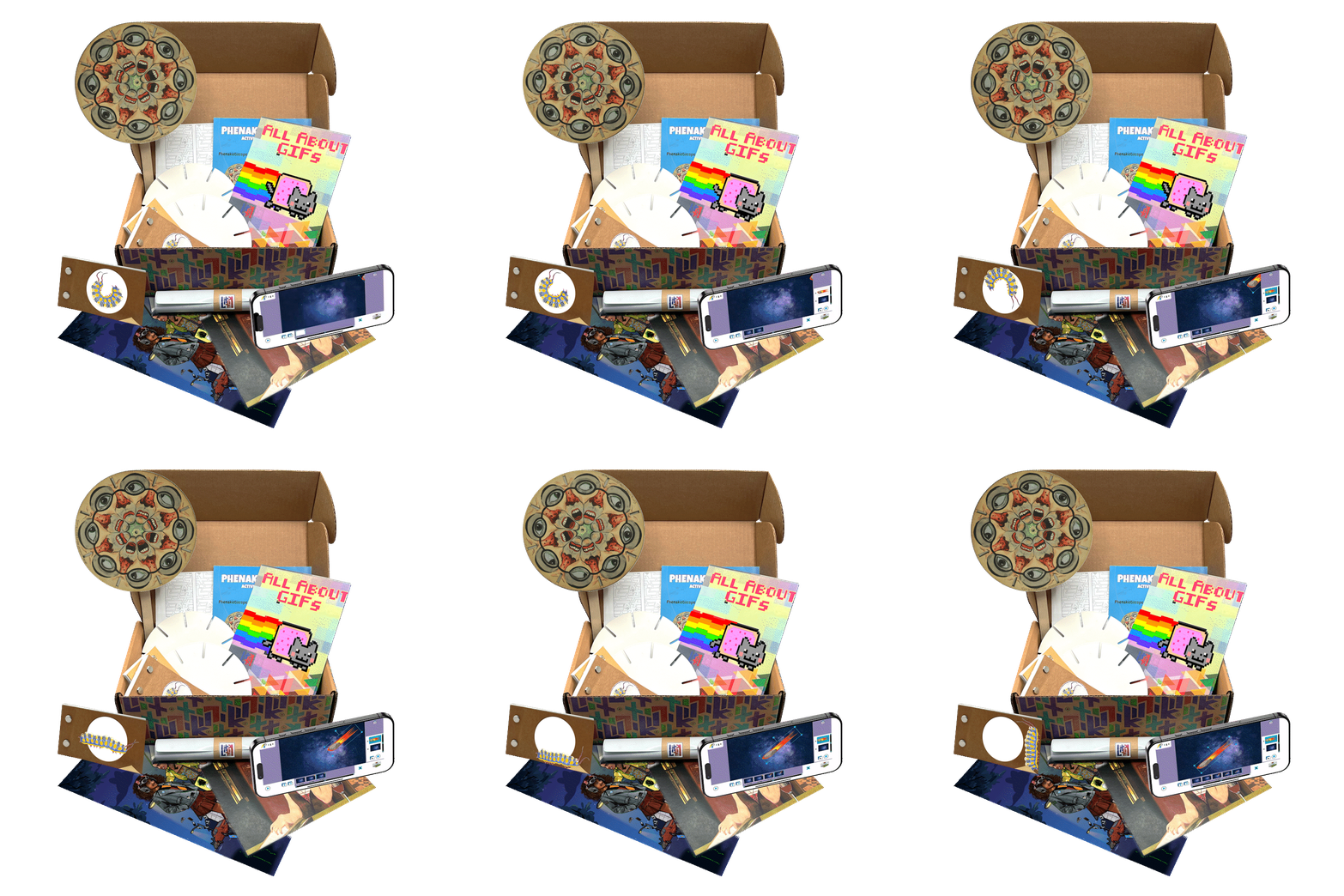
Unbox and explore — Each student gets their own kit with AR-powered zines that guide the learning
02
Make with paper and pixels — Hands-on analog activities plus a no-code maker tool for creating digital artifacts.
03
Take it home — Students keep their kit, their projects, and AR-powered collectibles.
what you'll see in a strong litkit pilot

Older students stay engaged. LitKit creates playful entry points for learners who may feel alienated by conventional education models.
Finished pieces are ready to share with families, display in your space, or feature in showcases.
Students express identity, culture, and interests through their work.
Minimal prep, consistent session flow, and self-guided activities that don't require tech expertise.


what's included

Live virtual staff onboarding — Walk through kit components, implementation models, and get questions answered

Ongoing support — Email access to the LitKit team throughout your pilot
Self-paced student activities — Designed for minimal prep and light-touch facilitation

One kit per student — Each student keeps their kit, their projects, and AR-powered collectibles
as easy as point and view
Don't trust video footage? See for yourself how LitKit's AR-powered immersive instruction works.


01
Scan the QR code with your phone's camera


02
Follow prompts to see the LitKit logo come to life!

like that? Here's more!
Now watch as this next one comes right off the screen!

01
Scan the QR code with your phone's camera
02
Follow prompts to see the LitKit logo come to life!

faqs
Is LitKit a coding program?
LitKit is no-code. Students build creative technology skills through hands-on making and media creation — no programming required.
Do students need accounts?
No. Students start by scanning QR codes. No student accounts, no logins, no data collection.
What devices are needed?
LitKit is shared-device friendly. It works on iOS/Android phones and tablets. Maker tool apps exist in web browser version to accommodate classrooms with laptops such as Chromebooks.
How much prep time does it take?
Minimal. Facilitator guides are built so staff can run sessions with light-touch guidance. Onboarding and implementation support are included at no extra cost.
Do students keep their kits?
Yes — by design. Each student keeps their kit and the projects they've made, giving them a lasting connection to the experience and something to share at home.
Our after school staff aren't tech specialists. Can they run this?
Absolutely. Kits include step-by-step facilitator guides written for non-specialists. Activities fit typical 60-90 minute OST bocks, and our team provides onboarding and ongoing support.
We don't have AR/VR headsets. Will this work?
No headsets needed. LitKit uses mobile AR through phones and tablets your students already have access to . The AR/digital layer delivers instruction and content — students aren't required to create AR experiences themselves.
Ready to pilot LitKit?
Book a 20-minute demo to see the kit in action and talk through implementation for your program.
or email us directly at : learn@litkit.art